
Time Zone Overlap Finder
 3 min read
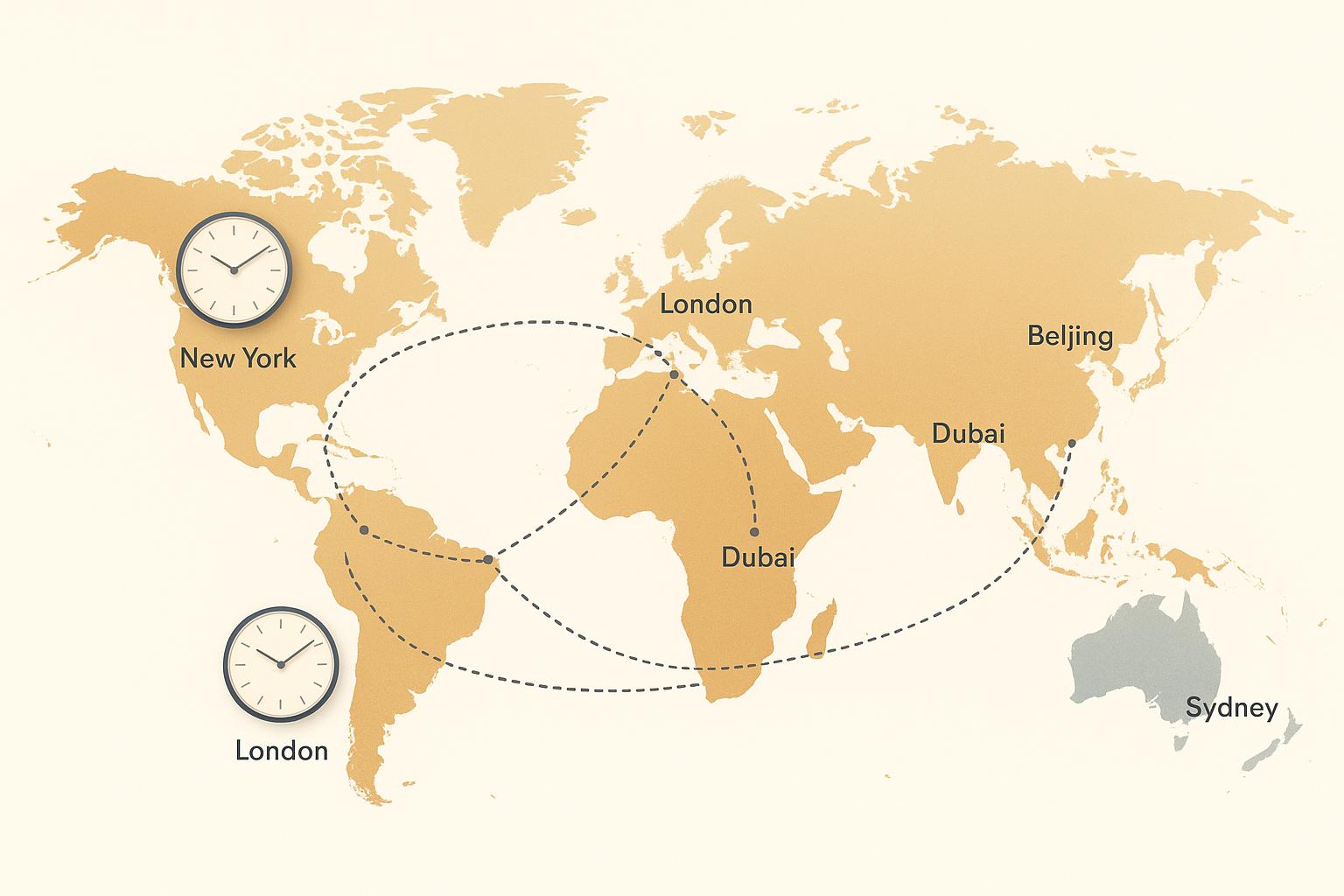
Streamline Remote Collaboration with a Time Zone Overlap Tool
Managing a distributed team comes with unique challenges, especially when it comes to scheduling. With team members scattered across the globe, finding a time that works for everyone can feel like solving a puzzle. That’s where a tool to identify overlapping working hours becomes a game-changer. Whether you’re planning a meeting or coordinating project deadlines, knowing when your team’s availability aligns is crucial for smooth communication.
Why Overlapping Hours Matter for Global Teams
Remote work has exploded in recent years, connecting talent from every corner of the world. But with that comes the hurdle of navigating multiple clocks. A utility that highlights shared availability across different regions can save hours of back-and-forth emails. Imagine instantly seeing when your colleagues in New York, London, and Tokyo are all free for a quick sync. It’s not just about convenience—it’s about fostering better collaboration without anyone feeling left out or forced into odd hours. Tools designed for global scheduling take the stress out of planning, letting you focus on the work that matters most. If you’re leading or part of a distributed crew, leveraging smart solutions for time management is a must.
FAQs
How does the Time Zone Overlap Finder calculate overlapping hours?
Great question! Our tool takes the locations or time zones you input and converts their working hours to a common reference point, UTC. Then, it compares the time ranges to identify any windows where everyone’s hours overlap. Finally, it displays those windows back in each location’s local time, so you don’t have to do any mental math. It’s quick and handles all the tricky conversions for you.
Can I use this tool for more than 5 time zones?
Right now, the tool is designed to handle 2 to 5 time zones or locations to keep things manageable and ensure accurate results. If you’ve got a larger team spread across more zones, try breaking it into smaller groups to find overlaps for key members first. We’re working on expanding this limit in the future, so stay tuned for updates!
What if there are no overlapping hours for my team?
No worries—it happens with teams spread far across the globe. If there’s no overlap, the tool will display a clear message saying ‘No overlapping hours found for these time zones.’ From there, you can adjust the working hours (maybe someone can shift a bit) or rethink the schedule to find a compromise. It’s all about helping you see the full picture.
Ready to build your dream team?
Book a free consultation and get your first candidate shortlist within 48 hours.
No upfront fee • Only pay if you hire