
Onboarding Checklist Generator
 3 min read
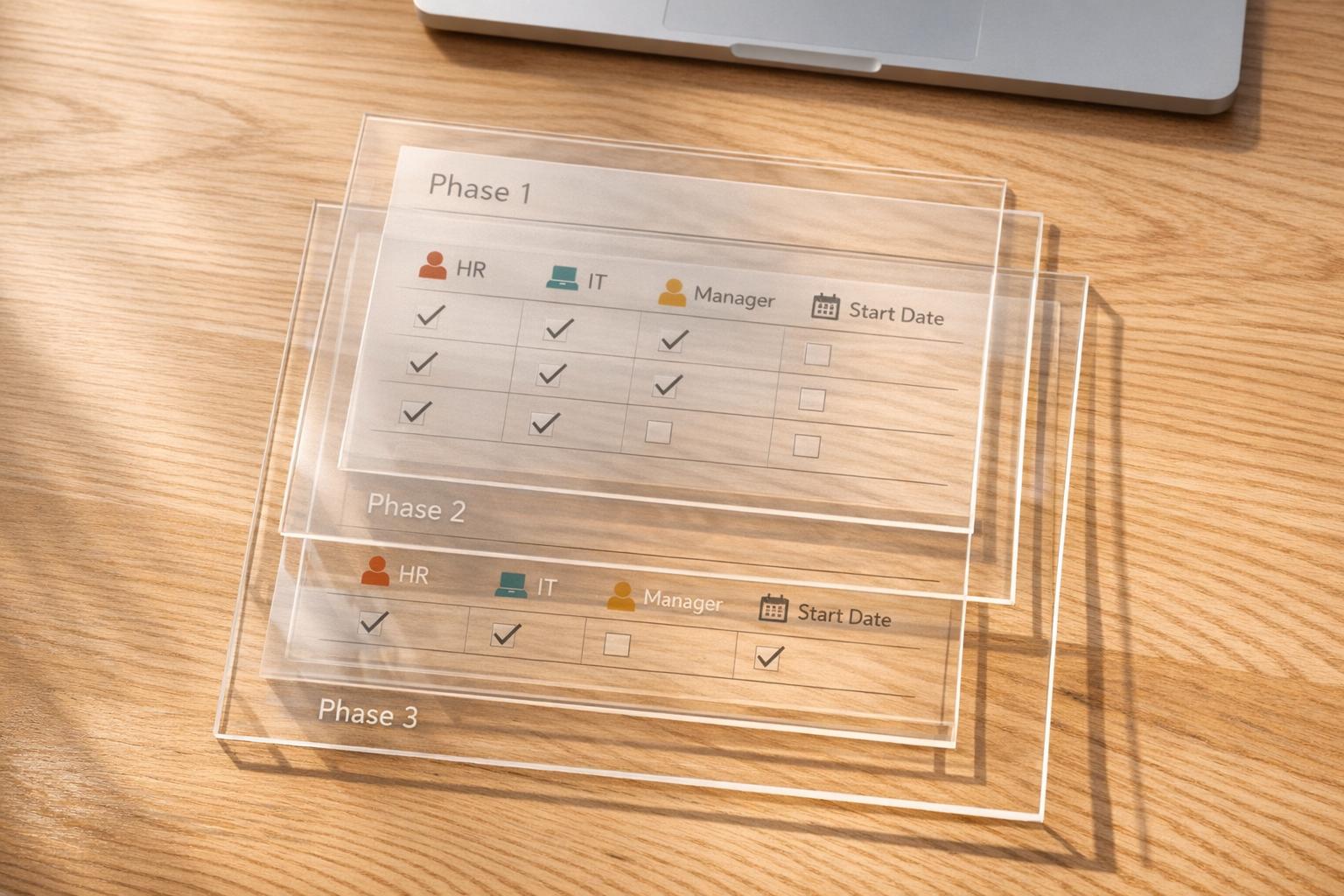
New Hire Onboarding Checklist Generator
Make onboarding easier to manage
A strong first week can shape how a new employee feels about your company for months. This new hire onboarding checklist generator helps teams turn a messy process into a clear plan by organizing tasks across pre-boarding, day one, week one, month one, and ninety days. Instead of relying on scattered notes or generic documents, you get a lightweight checklist that feels practical from the start.
Built for real teams
Whether you’re onboarding a remote designer, a hybrid account manager, or an onsite operations hire, the tool adapts to the details that matter. It pulls from a structured task library, assigns default owners like HR, IT, Hiring Manager, or Buddy, and can calculate due dates when a start date is available. That makes it easier to spot gaps before they turn into delays.
A simple way to keep everyone aligned
A good employee onboarding checklist should do more than list tasks. It should show who owns each step and when it needs attention. By grouping items first by phase and then by owner, this onboarding checklist generator gives teams a straightforward way to stay coordinated without adding extra complexity. It’s fast to use, easy to follow on screen, and ideal for everyday onboarding workflows.
FAQs
How does the tool decide which onboarding tasks to include?
The checklist is built from a template library organized around the most common onboarding milestones: pre-boarding, day one, week one, month one, and ninety days. When you enter details like role title, work model, company size, and priority areas, the tool matches those inputs to relevant tasks. That means a remote hire may get more setup and access steps, while a larger company might see more structured compliance or orientation items.
Can I use this for remote, hybrid, and onsite employees?
Yes. The tool is designed for all three work models. It adjusts the checklist to reflect practical differences in how onboarding happens, such as device shipping and virtual introductions for remote hires, desk setup and office access for onsite employees, or a mix of both for hybrid roles. The goal is to give you a checklist that feels usable right away instead of forcing you to edit a generic template.
What happens if I add a start date?
If you provide a start date, the tool calculates due dates for each task based on its phase in the onboarding timeline. For example, pre-boarding items can be scheduled before the employee’s first day, while week-one and month-one tasks are placed relative to that start date. If you leave the date blank, you’ll still get the full checklist, just without calendar-based deadlines.
Ready to build your dream team?
Book a free consultation and get your first candidate shortlist within 48 hours.
No upfront fee • Only pay if you hire